Soundvision PDF warnings
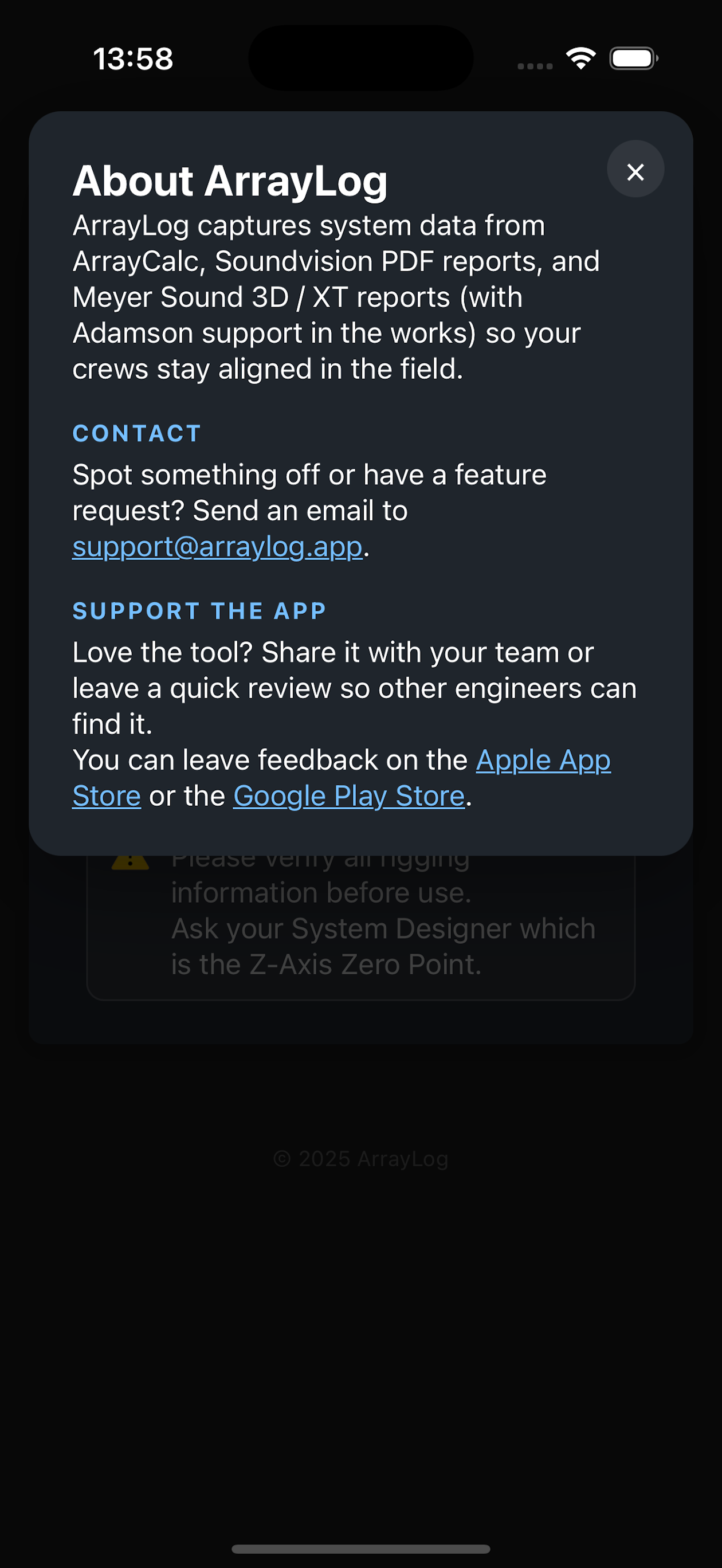
Warnings included in a Soundvision report are now surfaced inside ArrayLog, making important checks easier to spot before the system goes up.
 ArrayLog
Turn L‑Acoustics Soundvision, Meyer Sound and Adamson report PDFs into a fast, mobile‑friendly view of projects, sources, warnings, rigging and angles. Designed for show days, with no subscriptions—just a one‑time purchase.


Warnings included in a Soundvision report are now surfaced inside ArrayLog, making important checks easier to spot before the system goes up.
When Soundvision Autofilter data is available, ArrayLog uses matching FIR and air‑compensation settings to show how enclosures are linked. If it is unavailable, manufacturer output limits remain the fallback.
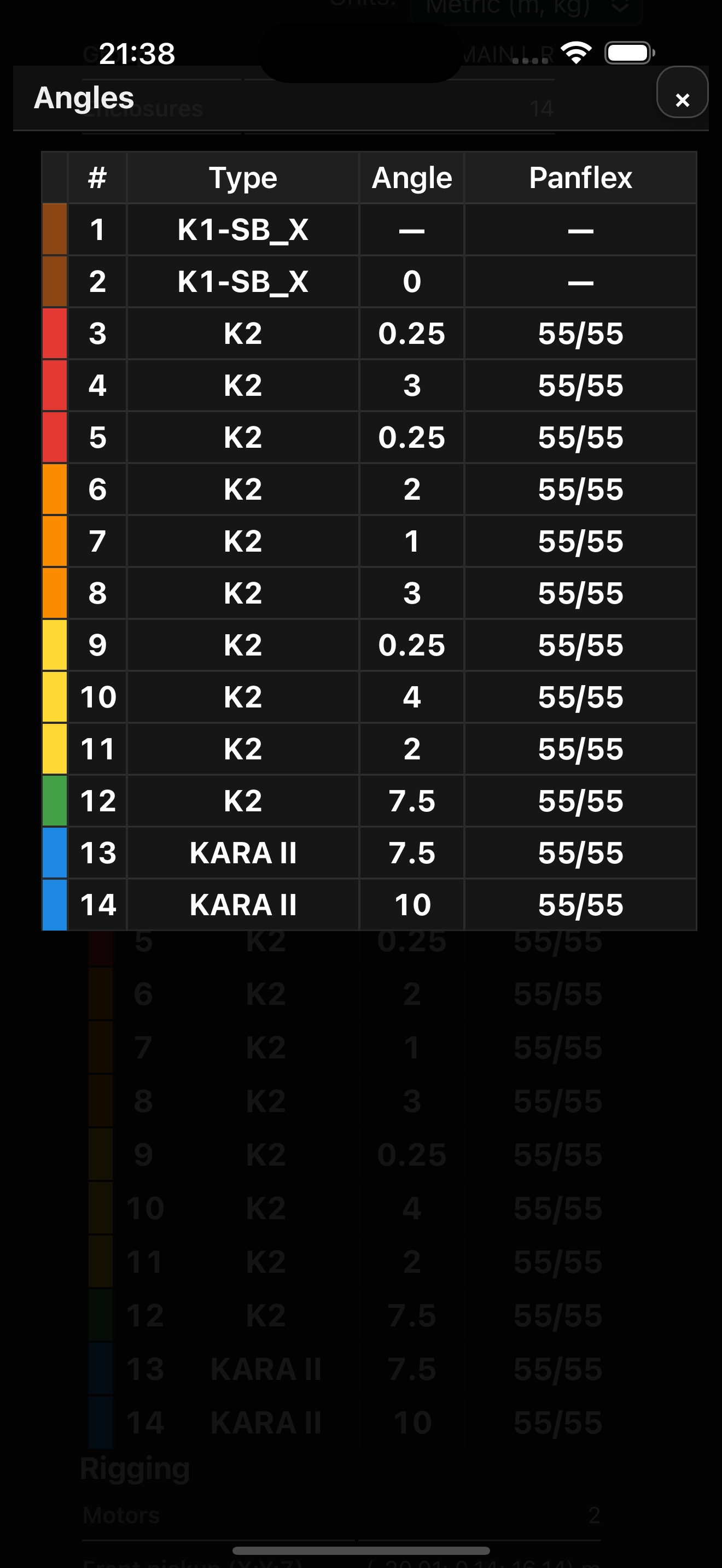
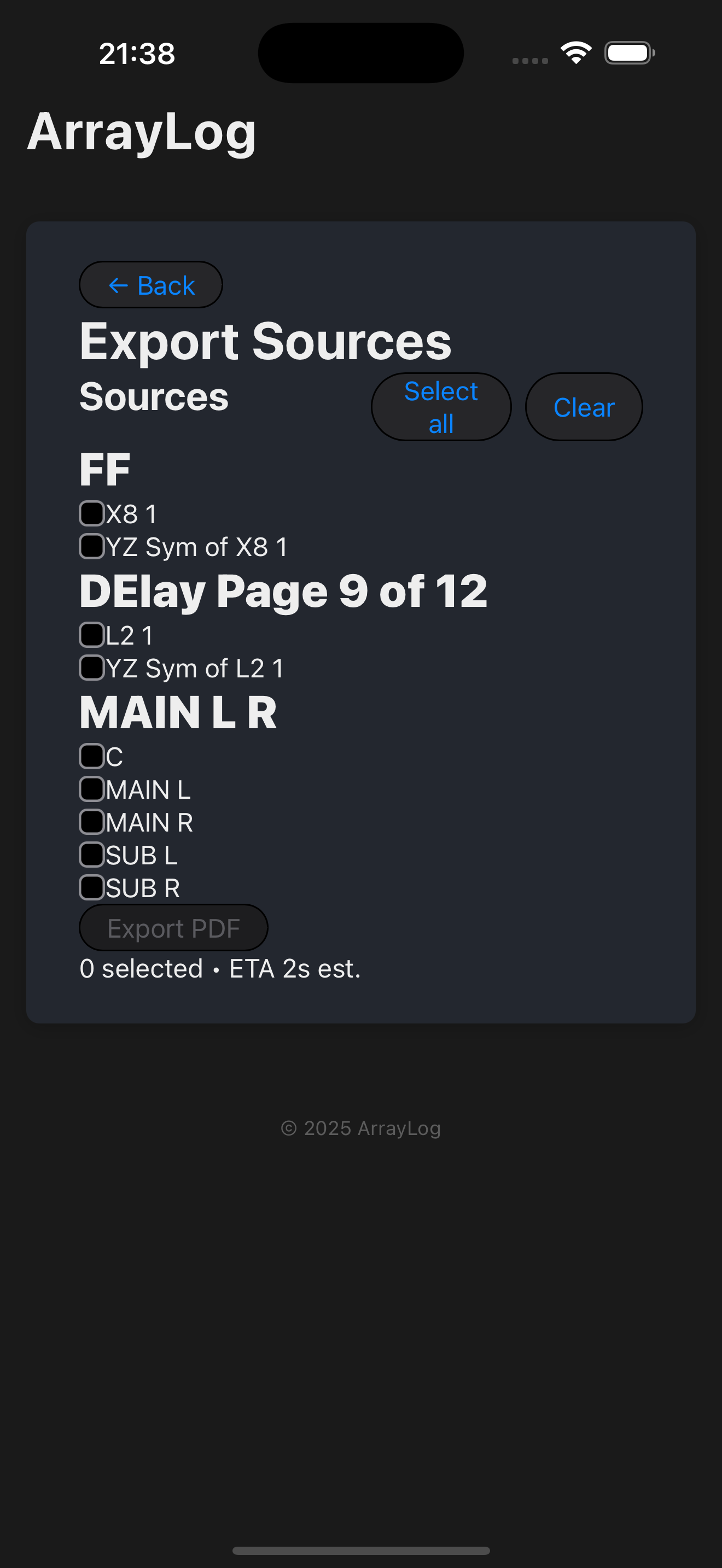
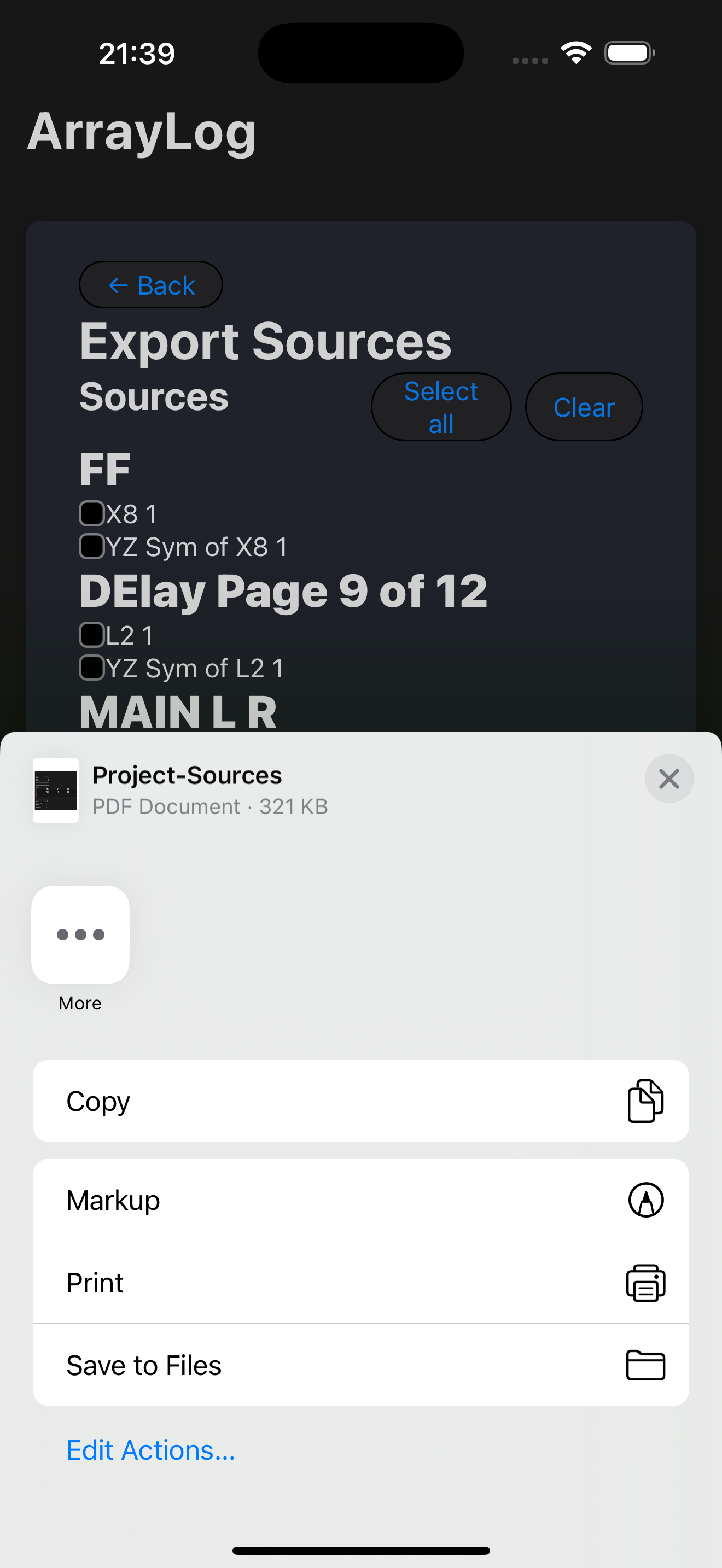
Export each array’s angles and key setup information as a 4×6 inch PDF label, ready to print and attach to its cart for faster deployment.
View the 4×6 paper tested with ArrayLogMove from report import to source, angle and rigging details without digging through pages of a PDF.
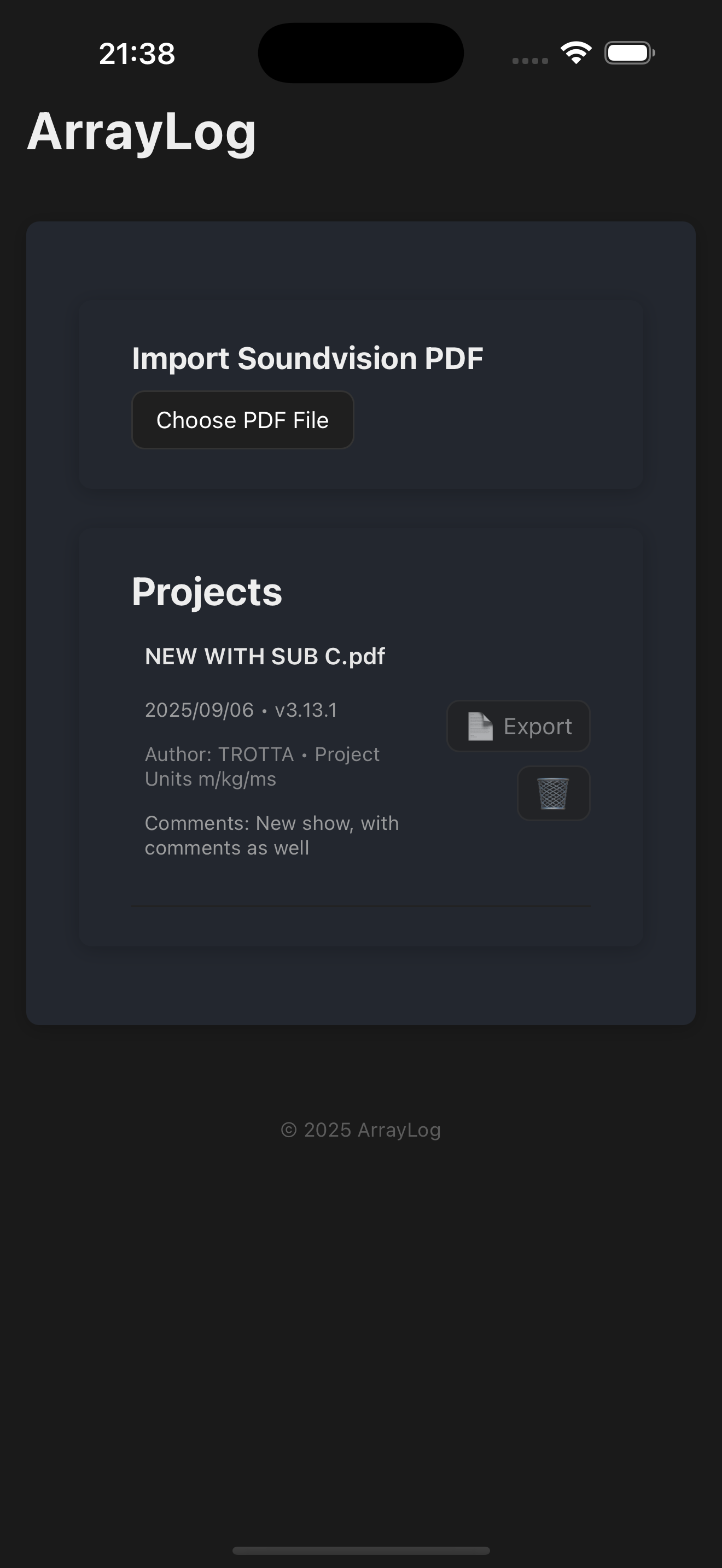
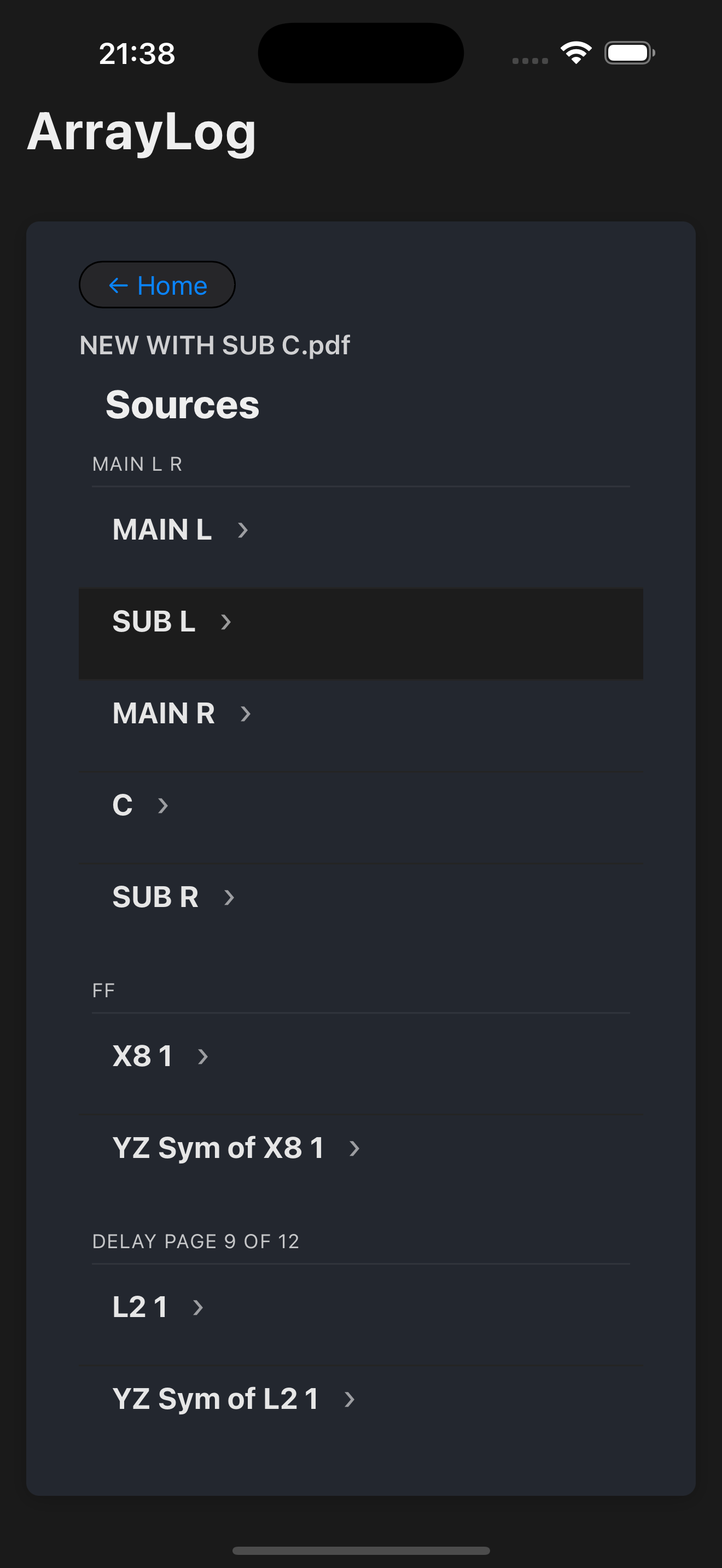
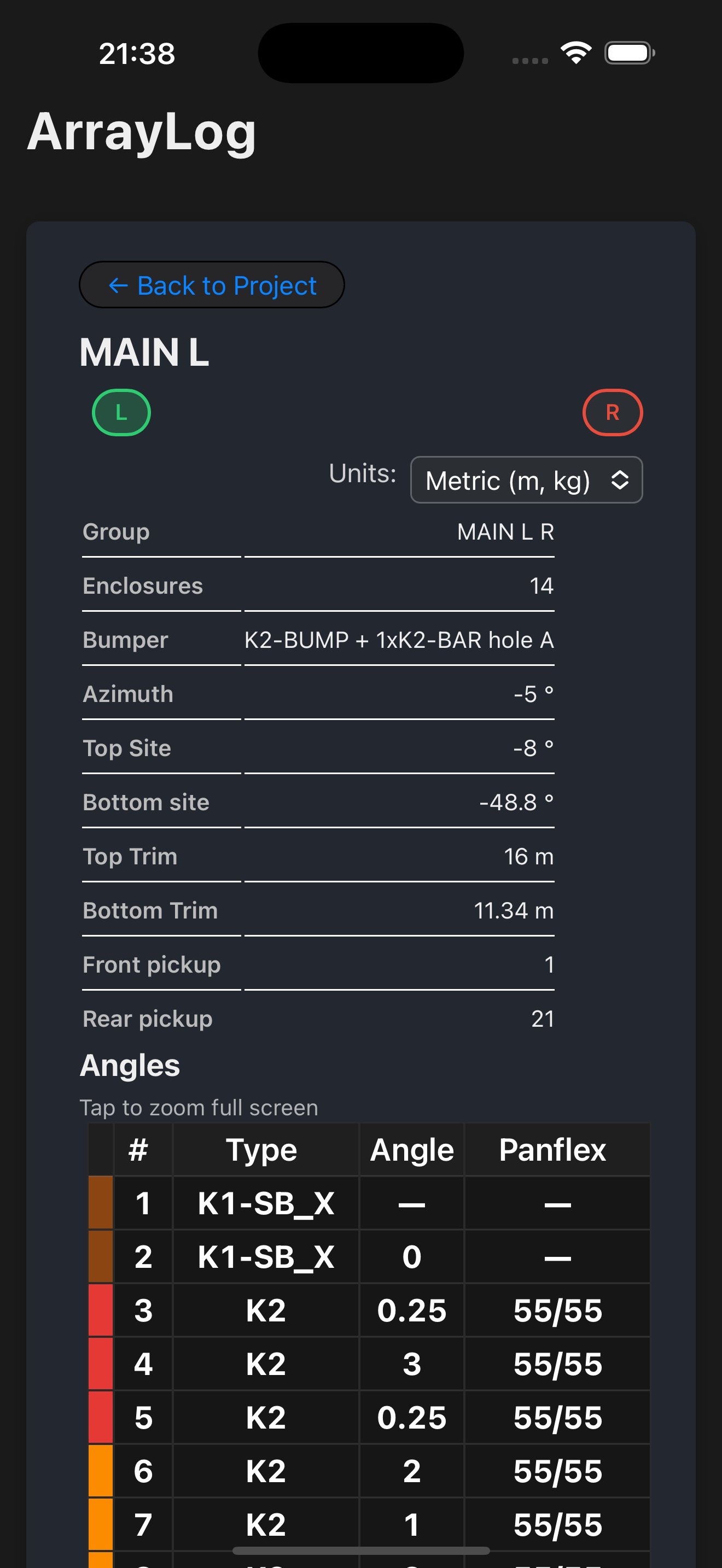
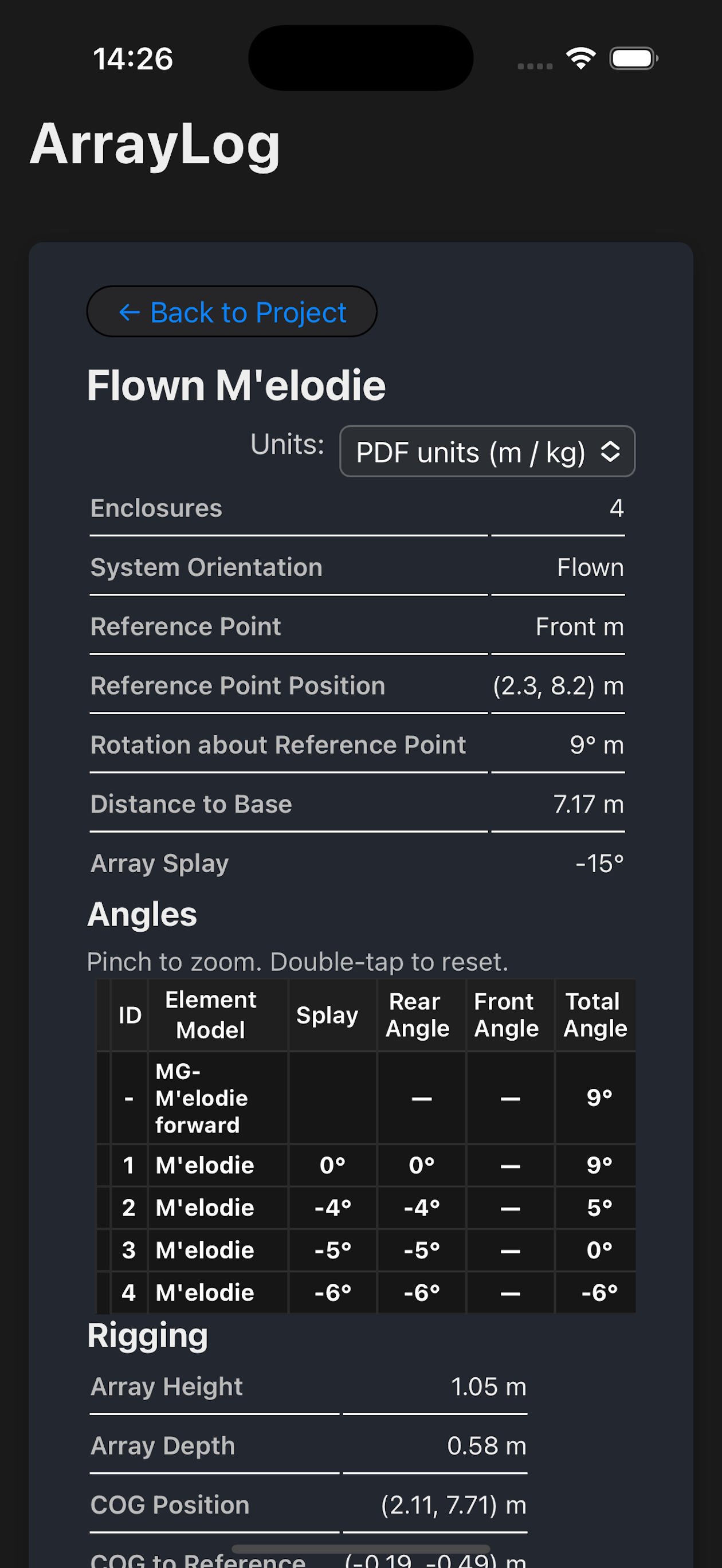
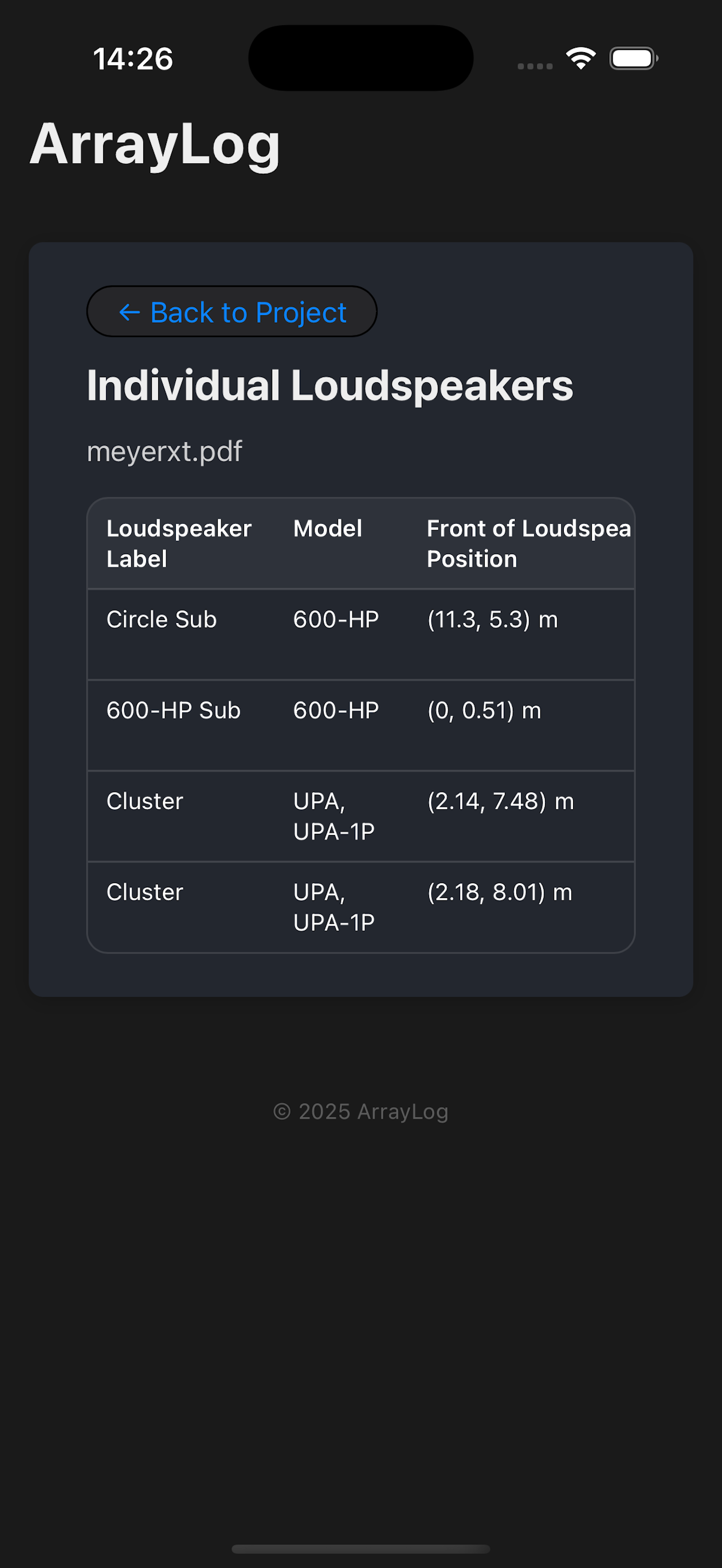
This app is an independent tool created for personal use during on‑site work. It is not affiliated with, endorsed by, or associated with L‑Acoustics in any way.
Import L‑Acoustics Soundvision, Meyer Sound or Adamson reports—ArrayLog extracts sources, angles and key rigging fields automatically.
Generate clean PDF fly sheets ready for WhatsApp or print in under 3 minutes—perfect when phones stay in pockets on the floor.
L/R grouping, clear “Main L / Main R” labels, wider key columns, and improved angle/rigging readability.
Fast navigation, offline‑friendly once imported, and mobile‑ready UI for quick checks on site.
Pinch‑to‑zoom on tables and improved contrast for critical data.
Faster parsing for large multi‑source projects and better support for older iOS/Android versions.
Choose L‑Acoustics Soundvision, Meyer Sound or Adamson when importing a report.
“Heavy OEM apps try to do everything. On show days, I just need fast fly sheets to hand to the riggers or drop in WhatsApp. ArrayLog makes that effortless.”
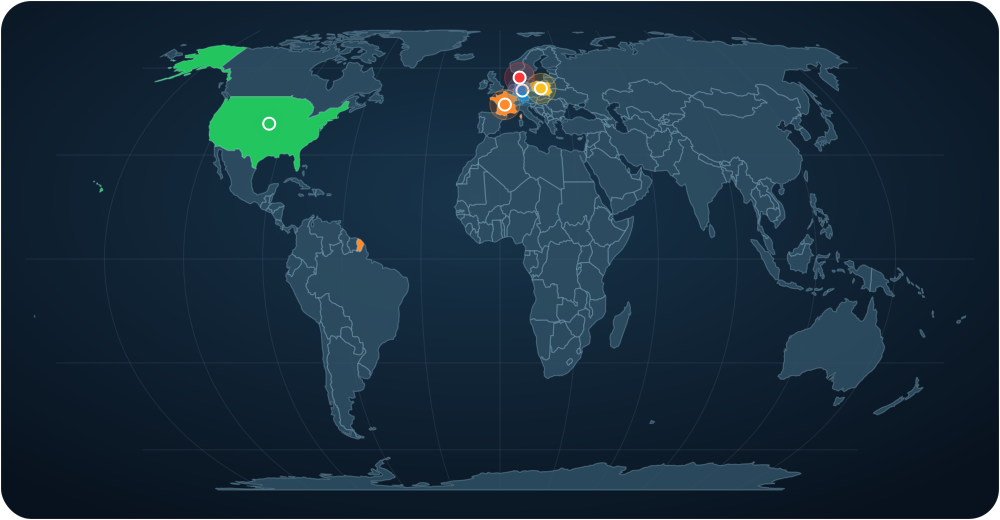
See where ArrayLog is being used around the world. The highlighted countries match the latest store report.